#TOP1

In an era where wireless connectivity defines our productivity and entertainment, the ability to seamlessly link peripherals to a desktop or laptop is non-negotiable. TP-Link has established itself as a cornerstone brand for networking hardware, offering a range of Bluetooth adapters designed to bridge the gap between legacy hardware and modern wireless ecosystems. Whether you are looking to connect a high-fidelity pair of wireless headphones, a precision gaming mouse, or a suite of smart home controllers to your PC, selecting the right adapter is the difference between a lag-free experience and constant connection drops. This guide will help you navigate the technical nuances of TP-Link’s Bluetooth offerings to ensure your setup remains stable, fast, and compatible.
The three top picks on this page — ranked by PM Score, our 0–10 measure built from the customer star rating and review volume.

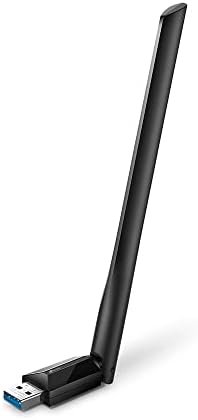


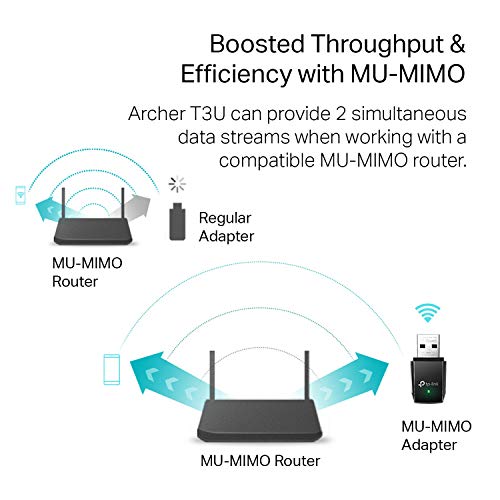


TP-Link AC1300 USB WiFi Adapter(Archer T3U)- 2.4G/5G Dual Band Wireless Network Adapter for PC Desktop, MU-MIMO WiFi Dongle, USB 3.0, Supports Windows...
| SELLER | SELLER SCORE | AMAZON FULFILLED | PRIME | FREE SHIPPING |
|---|---|---|---|---|
| Amazon.com | 9.68 | Yes | Yes | Yes |
Stubborn dead zones and sluggish desktop connectivity often make modern high-speed internet feel like a wasted resource. The TP-Link Archer T3U solves this by providing a compact, high-speed bridge between your PC and your router. Because it utilizes dual-band AC1300 technology, you can toggle between the 2.4G and 5G bands to find the best signal for your environment. I found the inclusion of MU-MIMO and beamforming particularly helpful for maintaining a stable, lag-free connection during intensive tasks. Since it runs on a USB 3.0 interface, you get ten times the speed of older USB 2.0 dongles without a bulky footprint. It is a portable, plug-and-play solution that works seamlessly across everything from Windows 11 to older Mac OS X versions.

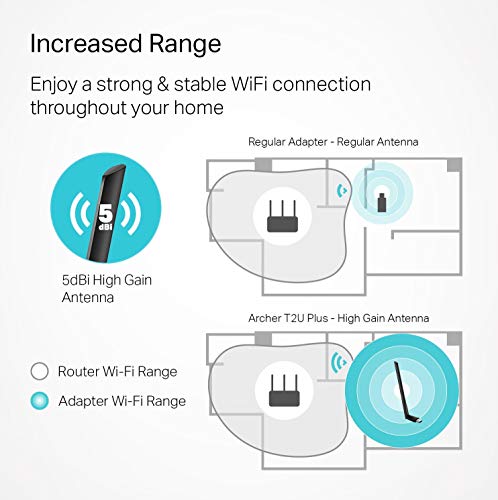


TP-Link AC600 USB WiFi Adapter for PC (Archer T2U Plus)- Wireless Network Adapter for Desktop with 2.4GHz, 5GHz High Gain Dual Band 5dBi Antenna, Supp...
| SELLER | SELLER SCORE | AMAZON FULFILLED | PRIME | FREE SHIPPING |
|---|---|---|---|---|
| Amazon.com | 9.68 | Yes | Yes | Yes |
Weak wireless signals and constant buffering can turn a perfectly good desktop into a frustratingly disconnected paperweight. The TP-Link Archer T2U Plus solves this by providing an instant 802.11ac upgrade through a simple USB port. During testing, the dual-band capability proved essential. I could switch to the 5GHz band for a snappy 433 Mbps stream while using the 2.4GHz band for extended range. The standout feature is definitely that 5dBi high-gain antenna, which significantly boosts reception compared to standard tiny dongles. Whether you are gaming or just trying to surf the web without lag, this compact adapter offers a reliable, high-speed bridge to your router.

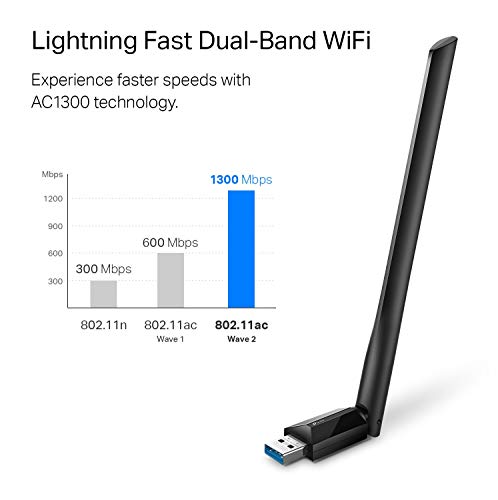


TP-Link USB WiFi Adapter for Desktop PC, AC1300Mbps USB 3.0 WiFi Dual Band Network Adapter with 2.4GHz/5GHz High Gain Antenna(Archer T3U Plus), MU-MIM...
| SELLER | SELLER SCORE | AMAZON FULFILLED | PRIME | FREE SHIPPING |
|---|---|---|---|---|
| Amazon.com | 9.68 | Yes | Yes | Yes |
Most people assume that a tiny USB dongle can't possibly compete with built-in motherboard wireless, but the Archer T3U Plus proves that antenna design is everything. I found that the 5 dBi high-gain external antennas do the heavy lifting here, pulling in a much more stable signal than those tiny, recessed internal chips found in most desktops. By utilizing USB 3.0 and dual-band AC1300 speeds, it manages to hit a snappy 867 Mbps on the 5 GHz band, which is a game-changer if you're tired of lag during high-bandwidth tasks. The addition of MU-MIMO technology helps keep the connection efficient even when your household is streaming on multiple devices. It is a remarkably cost-effective way to breathe new life into an older PC or upgrade a modern build without tearing it apart.



TP-Link Nano 2-in-1 USB WiFi Bluetooth Adapter AC600(Archer T2UB Nano)- 2.4G/5G Dual Band Wireless Network Adapter for Desktop PC, Bluetooth 4.2, WPA3...
| SELLER | SELLER SCORE | AMAZON FULFILLED | PRIME | FREE SHIPPING |
|---|---|---|---|---|
| Amazon.com | 9.68 | Yes | Yes | Yes |
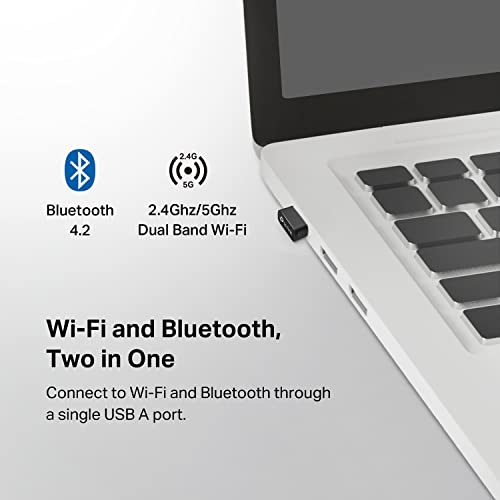
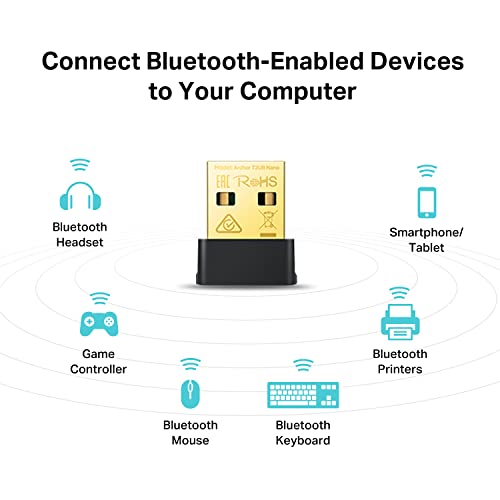
Most people assume that upgrading a desktop's connectivity requires bulky external antennas or messy internal cards, but the Archer T2UB Nano proves you can fix almost any wireless deficiency with a device no larger than a fingernail. I was impressed by how this tiny dongle manages to deliver dual-band AC600 speeds, offering a snappy 433 Mbps on the 5GHz band for lag-free browsing. It effectively breathes new life into older machines by adding Bluetooth 4.2, which is a game-changer if you want to use PS4 or Xbox controllers on your PC. Just remember to disable your existing internal wireless drivers to prevent any software conflicts. It is a remarkably discreet solution for anyone needing WPA3 security and stable internet without sacrificing USB port real estate.
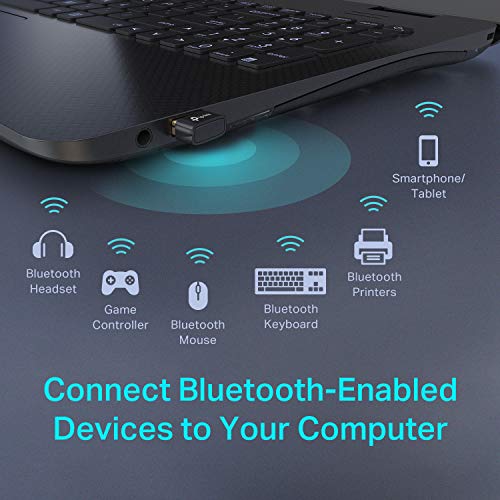


TP-Link USB Bluetooth Adapter for PC(UB400), 4.0 Bluetooth Dongle Receiver Support Windows 11/10/8.1/8/7/XP for Desktop, Laptop, Mouse, Keyboard, Prin...
| SELLER | SELLER SCORE | AMAZON FULFILLED | PRIME | FREE SHIPPING |
|---|---|---|---|---|
| Amazon.com | 9.68 | Yes | Yes | Yes |
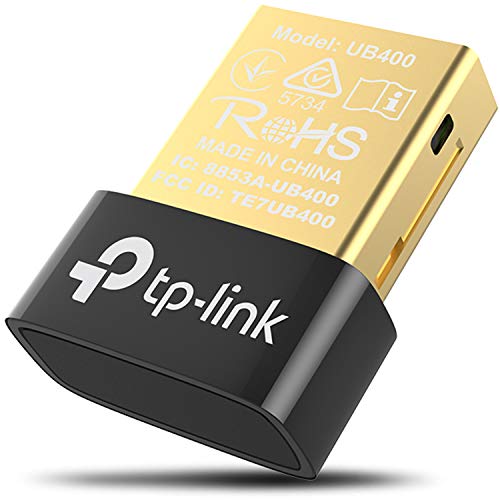
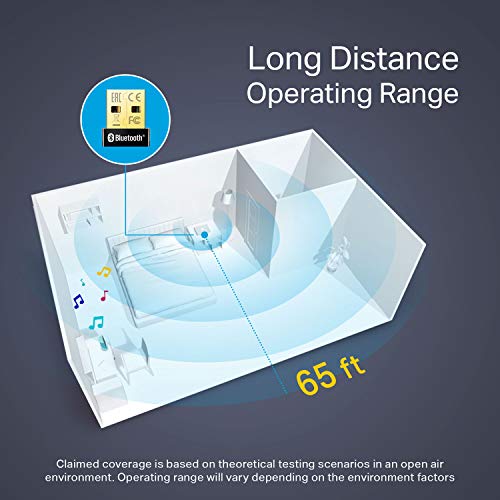
Your desktop sits there, a silent island of wires, until you realize your favorite wireless headset and gaming controller can't actually connect to it. This tiny TP-Link dongle solves that exact frustration by instantly breathing Bluetooth capability into aging laptops or stationary PCs. It is incredibly unobtrusive thanks to its nano-sized design, meaning you can leave it plugged into a port without it snagging on your laptop bag during travel. I found the 65-foot range impressive, allowing for lossless audio even when moving away from the desk. Just remember that if your computer already has internal Bluetooth, you’ll need to disable that first to avoid conflicts. It’s a straightforward, budget-friendly way to bridge the gap between your hardware and your wireless peripherals.

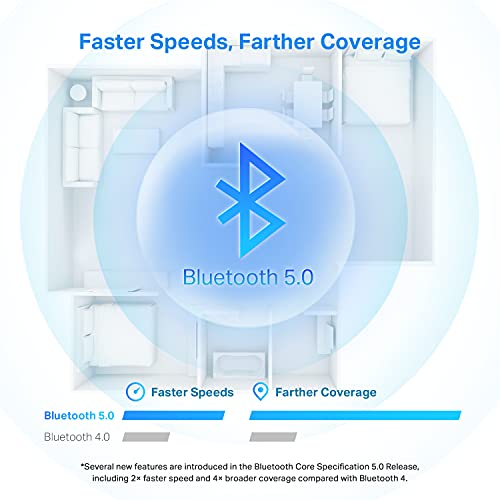


TP-Link USB Bluetooth Adapter for PC, 5.0 Bluetooth Dongle Receiver (UB500) Supports Windows 11/10/8.1/7 for Desktop, Laptop, Mouse, Keyboard, Printer...
| SELLER | SELLER SCORE | AMAZON FULFILLED | PRIME | FREE SHIPPING |
|---|---|---|---|---|
| Amazon.com | 9.68 | Yes | Yes | Yes |
The tiny, nano-sized profile of this dongle means it practically disappears into your laptop's side once it's plugged in. I found that upgrading a non-Bluetooth desktop to Bluetooth 5.0 is incredibly seamless, especially with the EDR and low energy technology that keeps data speeds high and power consumption low. It handles everything from wireless mice and keyboards to gaming controllers for PC with impressive stability. While you do need to disable any existing internal Bluetooth on your machine to avoid conflicts, the setup is a breeze on Windows 11, 10, or 8.1. It offers significantly better range and speed than older 4.0 versions, making it a reliable, low-profile fix for adding modern wireless connectivity to your workstation.

The most critical factor in your decision is the Bluetooth standard supported by the adapter. Bluetooth technology evolves in iterations, each bringing improvements in data throughput, power efficiency, and connection stability. When browsing TP-Link adapters, you will primarily encounter versions ranging from 4.0 to 5.3. If you are working with modern smartphones, high-end earbuds, or the latest gaming controllers, prioritize an adapter that supports Bluetooth 5.0 or higher. These newer versions offer 'Bluetooth Low Energy' (BLE) capabilities, which significantly extend the battery life of your connected devices, and improved range, allowing you to move around your workspace without losing signal. Always cross-reference your existing peripherals to ensure the adapter's version meets or exceeds the version required by your devices.
TP-Link offers two primary physical designs: the ultra-compact 'Nano' dongle and the standard-sized USB adapter. The choice here depends entirely on your hardware environment. Nano adapters are designed to sit almost flush against the USB port, making them ideal for laptops or desktop setups where you want to avoid accidental bumps or physical obstructions. They are perfect for 'set it and forget it' scenarios. However, standard-sized adapters often house larger internal antennas. If your desktop computer is tucked under a desk or inside a metal cabinet, a standard adapter with a more robust antenna may provide a more stable connection through physical obstacles. If signal penetration is your primary concern, the slightly larger footprint is a worthwhile trade-off.
Bluetooth operates on the 2.4GHz radio frequency, which is a crowded spectrum shared by Wi-Fi networks, microwaves, and many other wireless devices. This can lead to 'jitter' or audio stuttering. When selecting an adapter, look for those marketed with advanced interference mitigation. While TP-Link focuses heavily on plug-and-play simplicity, the quality of the internal chipset determines how well the device can hop between frequencies to avoid congestion. For users who plan to use high-bandwidth devices like wireless gaming headsets, ensuring the adapter is placed away from high-interference sources—or using an extension cable if the model allows—is a key part of a successful installation.
While many TP-Link adapters are advertised as 'Plug and Play,' the reality of driver compatibility varies across operating systems. Windows users typically enjoy the easiest experience, with most adapters working immediately upon insertion. However, if you are a macOS or Linux user, you must verify that the specific hardware architecture is supported by the community or the manufacturer's driver repository. Avoid assuming that a 'universal' claim applies to every niche OS. For a seamless experience, check if the adapter requires manual driver installation to unlock its full feature set, such as high-definition audio profiles or advanced multi-device pairing capabilities.
To make your final choice, follow this logic: If you need a discrete solution for a portable laptop, go with a Nano Bluetooth 5.0+ adapter. If you are building a stationary gaming or media center and need maximum range, opt for a standard USB adapter with a larger antenna profile. If you are connecting low-power devices like keyboards or mice, a budget-friendly Bluetooth 4.0 adapter may suffice, but for a future-proofed setup, always lean toward the highest Bluetooth version available in the TP-Link lineup.
Quick answers about Tp-Link Bluetooth Network Adapters before you buy.
Share of top-ranked products by brand, from our rankings.
We compared Tp-Link Bluetooth Network Adapters products using product details and customer ratings to identify the best options in the categories..
From that comparison we shortlisted the top 6 Tp-Link Bluetooth Network Adapters for this page..
We aim to help you find the right adapters products for your needs and save you time when choosing which Tp-Link Bluetooth Network Adapters to buy.
Compare the top 6 picks at a glance — select a column to sort.


