Understand Your Port Compatibility
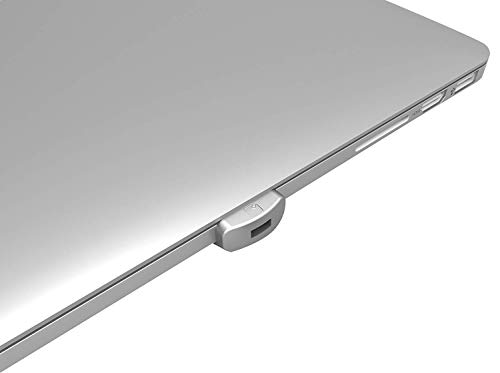
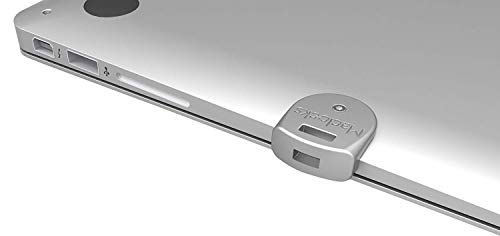
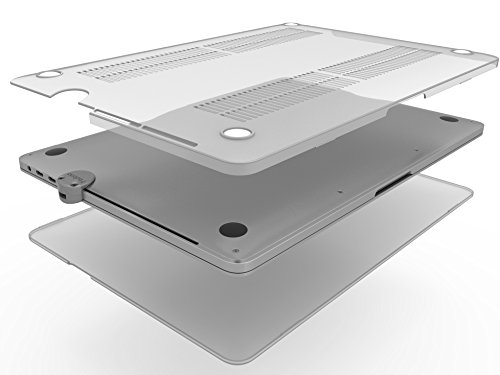
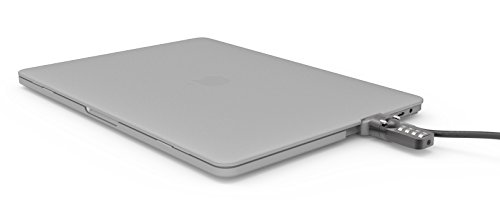
The most critical decision factor when selecting a security lock is the physical interface on your laptop. Most modern devices utilize one of three primary standards. The first is the traditional Kensington Security Slot (K-Slot), which is a small, rectangular hole found on many business-class laptops. If your device has this, you have the widest range of cable options. The second is the Nano Security Slot, which is significantly smaller and found on ultra-thin, modern laptops where space is at a premium. Attempting to use a standard K-Slot lock on a Nano-compatible device will result in a failure to connect. Finally, some newer devices lack a dedicated physical slot entirely, requiring 'universal' locking solutions that utilize the headphone jack or specialized adhesive-based anchor points. Always verify your specific laptop's port type before purchasing to avoid compatibility headaches.
Evaluate Cable Strength and Material
A lock is only as strong as the cable that connects the device to a fixed object. When browsing Compulocks options, pay close attention to the cable diameter and the material composition. Steel-reinforced cables are the standard for office environments, providing a balance of flexibility and resistance to manual cutting. However, for high-risk environments or long-term outdoor use, you should look for heavy-duty, braided steel cables. These are much harder to snip with basic hand tools. Additionally, consider the length of the cable. A cable that is too short limits your ability to anchor the device to heavy furniture, while a cable that is too long can become a tripping hazard or provide enough slack for a thief to manipulate the device more easily.
Key vs. Combination Mechanisms
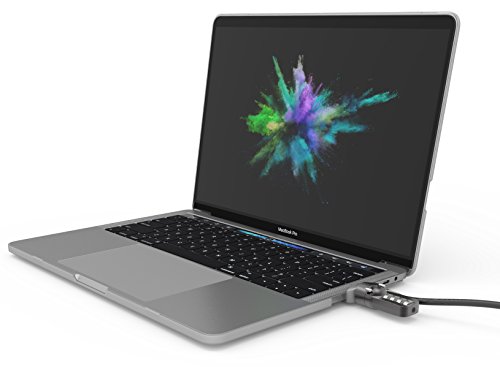
How you intend to manage access determines whether you should opt for a key-based or a combination-based lock. Keyed locks are ideal for managed environments, such as schools or large corporate offices, where an IT administrator might need to carry a master key to release multiple devices. However, the risk of losing a physical key is a significant drawback. Combination locks, on the other hand, offer the convenience of not needing to carry extra hardware. They are excellent for individual travelers or freelancers who want to secure their laptop in cafes or coworking spaces. Just remember that a combination lock is only as secure as the complexity of the code you choose. Avoid obvious patterns.
Anchoring and Environmental Factors
Finally, consider where the lock will actually be attached. A laptop lock is useless if it is attached to something easily movable, like a lightweight chair. The 'anchor point'—the heavy desk, table leg, or permanent fixture—is just as important as the lock itself. If you are working in transient locations, look for locks that include a mounting base or a specialized bracket that can be temporarily secured to a heavy object. For those in high-traffic public areas, look for locks with a 'security shroud' or protective covers that prevent thieves from using bolt cutters or specialized tools to bypass the locking mechanism itself.