#TOP1

For professionals in architecture, engineering, and graphic design, the transition to a mobile-first workflow has made the demand for Android-compatible wide format printers a top priority. Unlike standard desktop printers, wide format devices are designed to handle large-scale blueprints, CAD drawings, and high-resolution marketing posters. Integrating these heavy-duty machines with an Android ecosystem—whether through a tablet, smartphone, or specialized mobile workstation—allows for seamless on-site adjustments, instant file sharing from cloud storage, and remote print management. This guide will help you navigate the technical nuances of wide format printing to ensure your hardware matches your creative or technical output requirements.
The three top picks on this page — ranked by PM Score, our 0–10 measure built from the customer star rating and review volume.


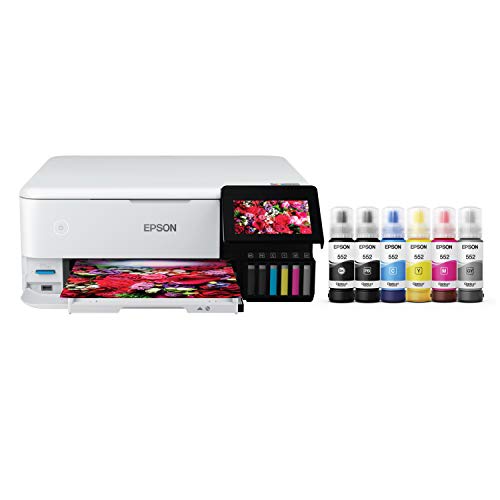
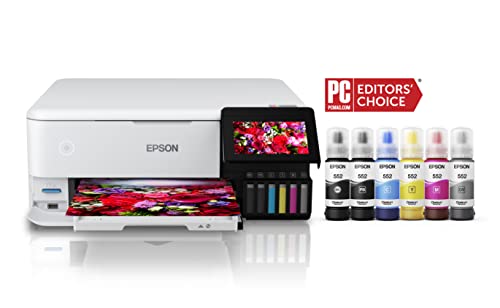


Epson EcoTank Photo ET-8500 Wireless Wide-Format Color All-in-One Supertank Printer with Scanner, Copier, Ethernet and 4.3-inch Touchscreen
| SELLER | SELLER SCORE | AMAZON FULFILLED | PRIME | FREE SHIPPING |
|---|---|---|---|---|
| Office Depot LLC | 9.72 | No | No | No |
Creative professionals and dedicated hobbyists will find their holy grail in the Epson EcoTank Photo ET-8500. This isn't just another office printer. It is a specialized powerhouse designed to crush the high cost of photo printing. By ditching traditional cartridges for a Claria ET Premium 6-color ink system, you get lab-quality vibrancy for a fraction of the usual price—we're talking 4 cents per 4x6 photo instead of 40. The media handling is equally impressive, effortlessly gliding through everything from standard paper to thick 1.3 mm cardstock and even CDs. Between the intuitive 4.3-inch touchscreen and the seamless Epson Smart Panel app, managing your creative workflow feels incredibly fluid. It is a massive investment in long-term savings and professional-grade output.


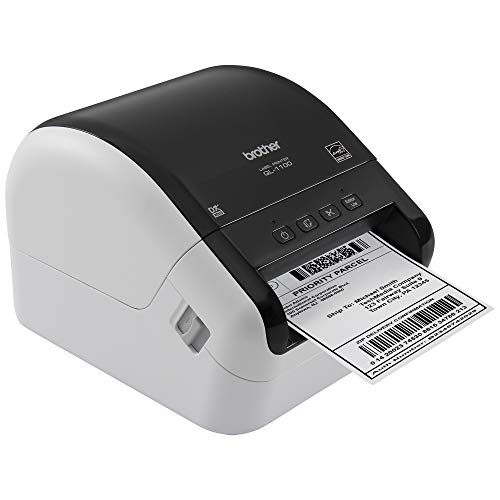
Brother Printer Fast, Compatible Label Printer (RQL1100 Renewed)
| SELLER | SELLER SCORE | AMAZON FULFILLED | PRIME | FREE SHIPPING |
|---|---|---|---|---|
| Amazon.com | 9.68 | Yes | Yes | Yes |
The Brother RQL1100 turns complex shipping workflows into a streamlined process thanks to its impressive wide-format printing capabilities. I found that being able to print on labels up to 4 inches wide makes a massive difference when you are juggling everything from large mailing addresses to visitor badges. The standout for me is the 'plug & label' functionality, which allows you to bypass tedious software installations on Windows machines entirely. If you are a developer, the free SDKs for Windows and Android provide a seamless way to integrate this into existing systems. Between the 7.8MB of internal memory and the handy barcode crop function for Windows users, this compact unit fits perfectly on any busy packing station without sacrificing speed or versatility.
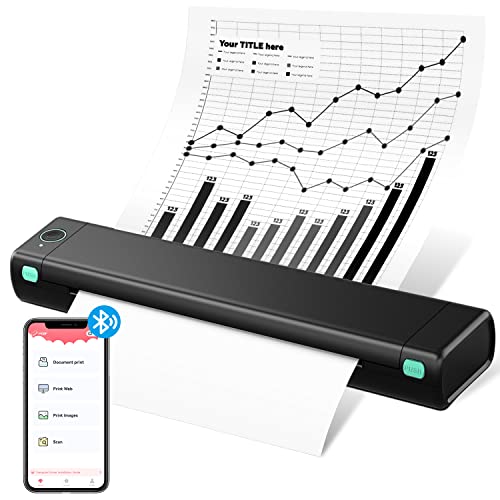


Odaro M08F Letter Portable Printer Wireless for Travel, Bluetooth Thermal Printer Inkless, Small Compact Printer Support 8.5" X 11" Letter Size Therma...
| SELLER | SELLER SCORE | AMAZON FULFILLED | PRIME | FREE SHIPPING |
|---|---|---|---|---|
| Odarol | 9.91 | Yes | Yes | Yes |
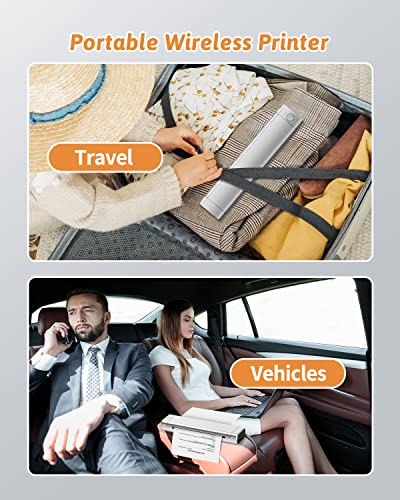
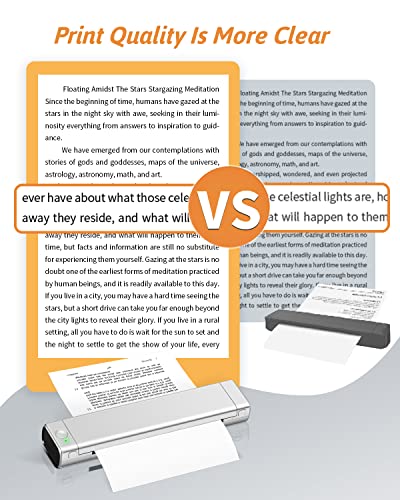
Traditional desktop printers are a massive headache for anyone who needs to work on the move. The Odaro M08F changes that by offering a compact, inkless solution that fits right into your travel kit. I found the setup incredibly fast. You just download the app, toggle your Bluetooth, and you are printing in about a minute. Since it uses thermal technology, you can finally stop worrying about buying expensive ink or ribbons, as it only requires thermal paper to function. Whether I was pulling up a PDF on my phone or a document from my laptop, the wireless connectivity remained stable across iOS, Android, and Windows. It even charges easily via a power bank, making it a reliable companion for remote work or school.



Odaro M08F Letter Portable Printer Wireless for Travel, Bluetooth Thermal Printer Inkless, Small Compact Printer Support 8.5" X 11" Letter Size Therma...
| SELLER | SELLER SCORE | AMAZON FULFILLED | PRIME | FREE SHIPPING |
|---|---|---|---|---|
| Odarol | 9.91 | Yes | Yes | Yes |
Digital nomads and frequent travelers will find the Odaro M08F to be an absolute game-changer for staying productive on the move. I was impressed by how this silver, compact device manages to handle full 8.5" x 11" letter-sized paper without feeling bulky in a bag. Since it uses thermal technology, you can finally ditch the headache of carrying expensive ink cartridges or ribbons. You just need the thermal paper and you are good to go. Setting it up is incredibly fast, taking about a minute to connect via Bluetooth through a free app. Whether you are printing PDFs from a laptop or quick graphics from an Android or iOS device, the clarity is surprisingly sharp. Plus, the ability to charge it via a simple power bank or car charger makes it a reliable companion for long trips.




Portable Bluetooth Wireless Thermal Mobile-Printer - Compact Inkless Printer for Travel, Support Phone & Laptop, Small Printers for Home Use Vehicles...
| SELLER | SELLER SCORE | AMAZON FULFILLED | PRIME | FREE SHIPPING |
|---|---|---|---|---|
| Itari-Direct | 6.75 | Yes | Yes | Yes |
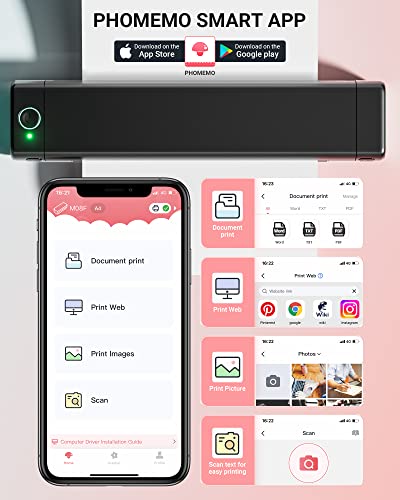
You would never guess that a device weighing just over a pound could replace a bulky desktop setup for your mobile office needs. The Itari portable printer is a game-changer for anyone tired of lugging heavy equipment through airports or between client meetings. Because it utilizes advanced direct thermal technology, you can completely ditch the expensive ink, toner, and ribbons that usually clutter up a workspace. It slides easily into a briefcase and connects seamlessly via Bluetooth to your phone or through a Type-C cable to your laptop. While you must remember to use specific thermal paper rather than standard sheets, the ability to print up to 140 A4 pages on a single 1200mAh charge makes it an incredibly reliable companion for traveling professionals and students alike.


OROSAUR Label Makers Machine with Tape, HP1 Portable Mini Bluetooth Printer Label Maker for Home Storage,Office Organization,School,Wireless Thermal U...
| SELLER | SELLER SCORE | AMAZON FULFILLED | PRIME | FREE SHIPPING |
|---|---|---|---|---|
| BongC | 6.29 | Yes | Yes | Yes |
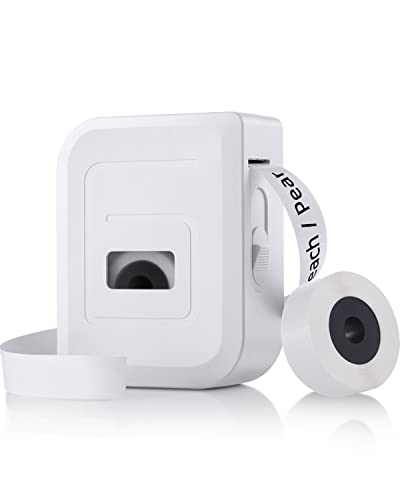
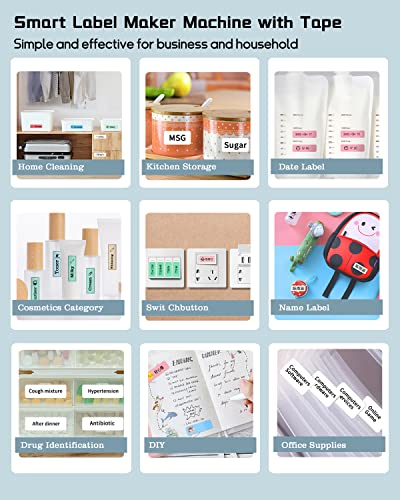
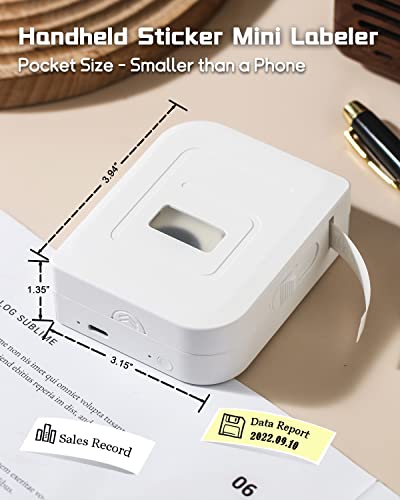
The OROSAUR HP1 is a pocket-sized organizational powerhouse that swaps clunky physical keyboards for seamless smartphone control. I was impressed by the 203dpi print clarity, which makes even tiny text on spice jars or office files look incredibly sharp. Because it uses advanced thermal technology, you never have to worry about hunting for ink or toner cartridges. The Bluetooth connectivity via the dedicated app is snappy, allowing you to play with artistic fonts, icons, and even QR codes before hitting print. It feels rugged enough to handle kitchen oils or freezer condensation, and the built-in cutter makes customizing label lengths a breeze. Whether you are tidying a pantry or labeling laboratory gear, this lightweight tool makes professional-grade organization feel effortless.



Brother QL-1110NWB Label Maker, Shipping Labeller, Wireless, PC Connected, Network and Bluetooth, Desktop, Wide Format 4 Inch Labels - Print via USB,...
| SELLER | SELLER SCORE | AMAZON FULFILLED | PRIME | FREE SHIPPING |
|---|---|---|---|---|
| Tech Plus Pro | 9.24 | No | No | No |
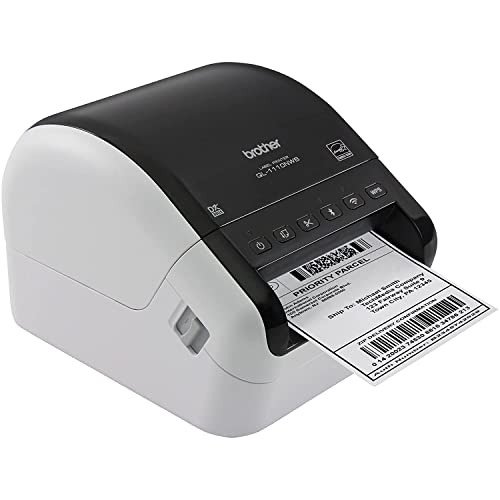
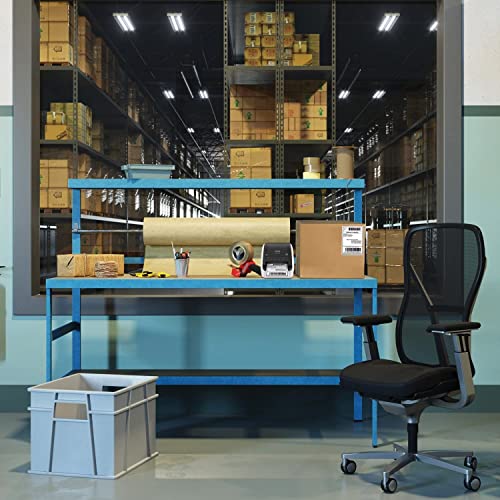
The Brother QL-1110NWB stands as a powerhouse desktop shipping solution that bridges the gap between simple office labeling and high-volume logistics. After testing its versatility, it is clear that the real magic lies in the connectivity. Whether you are pulling a job from a PC via Ethernet or firing off a quick label from an iPhone using AirPrint, the workflow is seamless. It handles massive tasks with ease, cranking out up to 69 address labels per minute at a crisp 300 dpi. I particularly appreciated the auto-cutter feature, which prevents the headache of wasted label sheets by trimming exactly what you need. Between the 'Plug & Label' convenience for Windows users and the deep customization available through P-touch Editor, this machine scales perfectly from basic name badges to complex shipping workflows.

The defining feature of an Android-compatible wide format printer is not just the ability to print, but the ease of the wireless handshake. When shopping, look for devices that support robust Wi-Fi Direct and dual-band wireless connectivity. This ensures that your Android tablet can communicate with the printer even in environments where a local network might be unstable, such as construction sites or temporary studio setups. Furthermore, ensure the manufacturer provides a dedicated, high-rated Android application. A generic print driver is rarely sufficient for wide format tasks. You need an app that allows you to scale drawings, select specific media types, and manage color profiles directly from your touchscreen interface.
Wide format printers generally fall into two camps: large-format inkjet and thermal printers (often used for technical CAD plotting). If your primary goal is visual fidelity—such as printing high-resolution photography or vibrant architectural renderings—inkjet is the undisputed leader. Look for multi-channel print heads that offer superior color gamut coverage. However, if your workflow is strictly focused on black-and-white technical schematics and speed is your primary concern, thermal printing technology may offer faster line speeds and lower cost-per-print for monochrome outputs. Your decision should be driven by whether your Android workflow is centered around aesthetic presentation or technical documentation.
A wide format printer is only as useful as the media it can ingest. Check the maximum roll width supported by the device. Common standards include 24-inch, 36-inch, and 44-inch widths. Beyond width, pay close attention to the media sensors. High-end models feature advanced sensors that can detect the type of paper loaded (glossy, matte, or heavy bond) and automatically adjust the ink density. For Android users who frequently move between the office and the field, look for printers with integrated media cutters and easy-loading mechanisms that minimize downtime during setup.
For technical professionals, the 'DPI' (dots per inch) rating is critical. While standard office printers can get by with lower resolutions, wide format machines used for engineering require high precision to ensure that fine lines in a blueprint do not bleed or disappear. Look for high-resolution capabilities that allow for microscopic detail in line weights. Additionally, consider the 'interpolation' capabilities of the printer software. When you send a file from an Android device, the printer's ability to intelligently upscale or refine the image can be the difference between a usable schematic and a blurry mess.
Modern Android workflows rely heavily on cloud integration. The best wide format printers act as endpoints for services like Google Drive, Dropbox, or specialized BIM (Building Information Modeling) software. When evaluating a model, check if it supports direct cloud printing. This allows you to pull a file from a shared folder on your tablet and send it straight to the roll without needing to route it through a desktop computer first. This 'direct-to-print' capability is the ultimate hallmark of a truly mobile-integrated professional printer.
Share of top-ranked products by brand, from our rankings.
We compared Android Wide Format Printers products using product details and customer ratings to identify the best options in the electronics..
From that comparison we shortlisted the top 7 Android Wide Format Printers for this page..
We aim to help you find the right printers products for your needs and save you time when choosing which Android Wide Format Printers to buy.
Compare the top 7 picks at a glance — select a column to sort.


