#TOP1

For many retro gaming enthusiasts and collectors, the Nintendo Wii U remains a beloved console, particularly for its unique local wireless play and eShop legacy. However, as home networking has evolved, the built-in Wi-Fi capabilities of the Wii U can often become a bottleneck. Whether you are struggling with high latency during online play, experiencing frequent disconnects in a crowded wireless environment, or trying to stabilize a connection for large digital downloads, upgrading to a wired connection is the single most effective way to improve performance. An Ethernet adapter bridges the gap between modern high-speed routers and the aging wireless hardware of the console, providing the stability required for a seamless gaming experience.
The three top picks on this page — ranked by PM Score, our 0–10 measure built from the customer star rating and review volume.


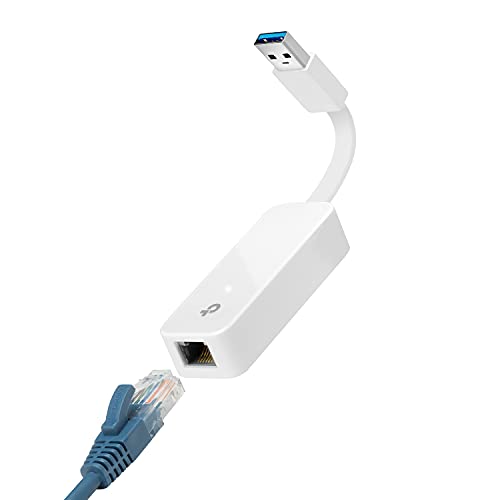


TP-Link USB to Ethernet Adapter, Foldable USB 3.0 to 10/100/1000 Gigabit Ethernet LAN Network Adapter, Support Windows 10/8.1/8/7/Vista/XP for Desktop...
| SELLER | SELLER SCORE | AMAZON FULFILLED | PRIME | FREE SHIPPING |
|---|---|---|---|---|
| Amazon.com | 9.68 | Yes | Yes | Yes |
Most people settle for the frustrating lag and signal drops of unstable Wi-Fi when a hardwired connection is actually what their workflow demands. The TP-Link UE300 solves this by instantly transforming a standard USB port into a high-speed Gigabit Ethernet port. During my testing, the transition from wireless to wired was seamless, providing the stability needed for HD video streaming and lag-free gaming. It utilizes the Realtek RTL8153 chipset for a true plug-and-play experience across Windows, macOS, and Linux without hunting for drivers. The standout feature for me is the foldable, ultra-compact design. It tucks away easily in a laptop bag without snagging. At this price point, it is an essential tool for anyone needing reliable, 1000Mbps speeds on the go.
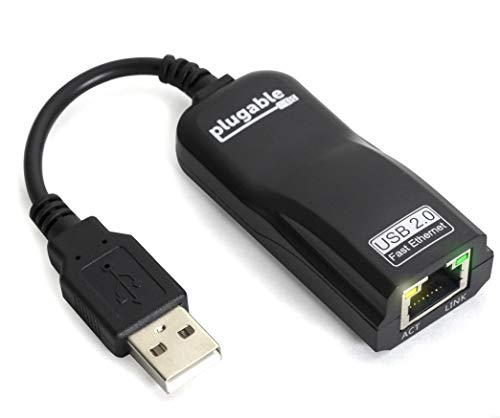


Plugable USB 2.0 to Ethernet Fast 10/100 LAN Wired Network Adapter Compatible with Chromebook, Windows, Linux
| SELLER | SELLER SCORE | AMAZON FULFILLED | PRIME | FREE SHIPPING |
|---|---|---|---|---|
| Plugable Technologies | 9.88 | Yes | Yes | Yes |
Gamers and remote workers stuck with spotty Wi-Fi need this Plugable adapter to stabilize their connection immediately. Relying on wireless signals is a gamble, but plugging this into a USB port provides a dedicated 10/100 Mbps lane that often outperforms standard Wi-Fi. It is incredibly versatile, working seamlessly with everything from Windows laptops and Chromebooks to the Nintendo Switch via its dock. I found the setup process to be virtually non-existent because the drivers install automatically on most modern systems. Since it is bus-powered, you don't have to hunt for a wall outlet, making it a perfect travel companion for adding reliable internet to a tablet or a Linux machine on the fly.
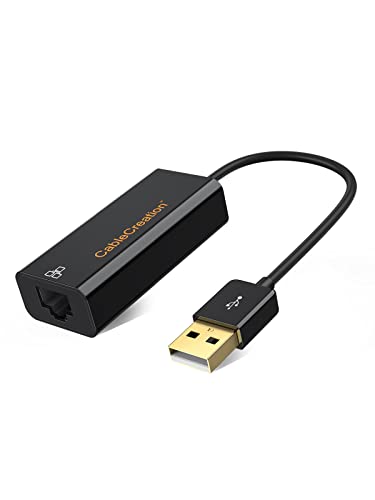

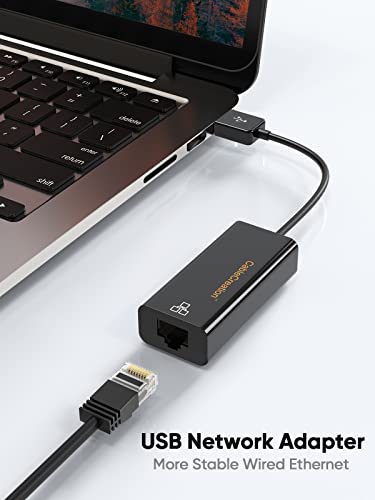
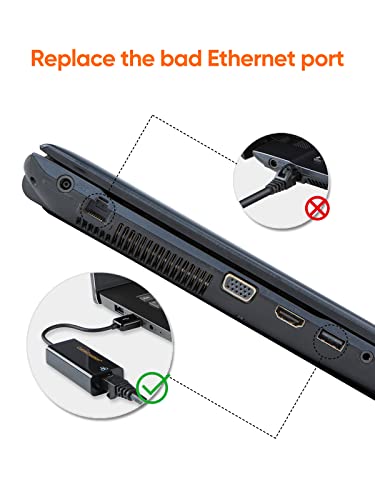

USB to Network Adapter, CableCreation USB 2.0 to 10/100 RJ45 Ethernet LAN Cable Compatible with Windows 10/8.8/8/ 7, macOS X, Black
| SELLER | SELLER SCORE | AMAZON FULFILLED | PRIME | FREE SHIPPING |
|---|---|---|---|---|
| CableCreation | 9.95 | Yes | Yes | Yes |
Most people assume that modern Wi-Fi is the ultimate solution for connectivity, but this little dongle proves that a physical wire is still the king of stability. I found that when you're stuck in a Wi-Fi dead zone or dealing with a finicky internal network card, the CableCreation USB 2.0 to RJ45 adapter is a lifesaver. It’s incredibly compact, making it easy to toss into a laptop bag for travel. While it won't work with gaming consoles like the Nintendo Wii U, it performs beautifully for ultrabooks and MacBooks needing a reliable 10/100 Mbps connection. Setup is a breeze on Windows 10 since it's plug-and-play, though you'll want to have your drivers ready for older macOS or Linux systems. It's a simple, bus-powered fix for aging hardware.
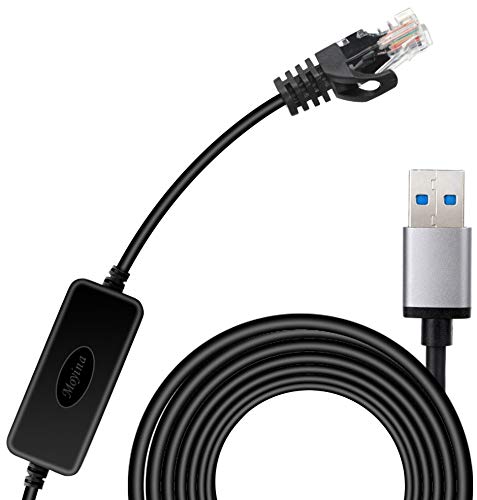


Moyina USB3.0 to RJ45 Gigabit Ethernet Network Cable for Switch, Router, Gateway, Modem with MacBook,Windows, Chromebook,Surface Pro, Linux
| SELLER | SELLER SCORE | AMAZON FULFILLED | PRIME | FREE SHIPPING |
|---|---|---|---|---|
| Easy4Work | 7.42 | Yes | Yes | Yes |
Gamers and remote professionals struggling with unstable Wi-Fi need this Moyina adapter to reclaim their connection stability immediately. I found that swapping a jittery wireless signal for this wired USB 3.0 connection makes a massive difference during high-stakes video conferencing or intense gaming sessions on a Nintendo Switch. Because it utilizes an integrated RTL8153 chip, you get actual gigabit speeds that handle large file transfers and HD streaming without the typical wireless lag. The best part is the absolute simplicity. It is a true plug-and-play solution that requires zero driver installations on Windows, Mac, or Linux systems. It draws all its power directly from the USB port, making it a highly portable, reliable bridge between your laptop and a high-speed router.

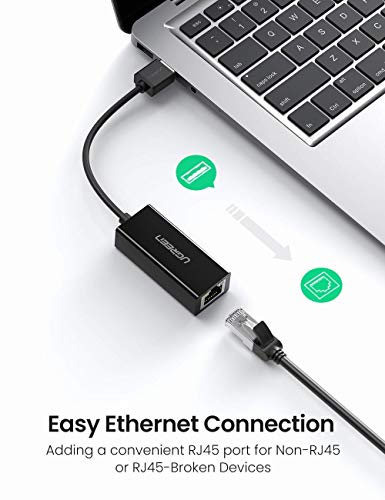


UGREEN Cat 7 Ethernet Cable Bundle with USB to Ethernet Adapter Network
| SELLER | SELLER SCORE | AMAZON FULFILLED | PRIME | FREE SHIPPING |
|---|---|---|---|---|
| UGREEN GROUP LIMITED | 9.98 | Yes | Yes | No |
Wireless internet is often touted as the ultimate convenience, yet it remains the primary culprit behind laggy video calls and interrupted gaming sessions. This UGREEN bundle solves that frustration by providing a physical, wired lifeline for devices that have sacrificed their RJ45 ports for slimmer profiles. By pairing a Cat 7 cable with a USB 2.0 to Ethernet adapter, you can instantly upgrade an ultrabook, MacBook Air, or even a Nintendo Switch to a stable 10/100 Mbps connection. It is a plug-and-play solution that handles everything from heavy file transfers to HD streaming without needing an external power source. Whether you are navigating Windows, Mac OS, or Linux, this kit brings reliable, low-latency connectivity to hardware that would otherwise be stuck relying on inconsistent Wi-Fi signals.


UGREEN Ethernet Adapter USB to 10 100 Mbps Network Adapter RJ45 Wired LAN Adapter for Laptop PC Compatible with Nintendo Switch Wii Wii U MacBook Chro...
| SELLER | SELLER SCORE | AMAZON FULFILLED | PRIME | FREE SHIPPING |
|---|---|---|---|---|
| UGREEN GROUP LIMITED | 9.98 | Yes | Yes | Yes |
The UGREEN USB to Ethernet Adapter solves the headache of unstable Wi-Fi by providing a rock-solid wired connection for just under twelve dollars. I found that switching from wireless to this RJ45 wired setup immediately eliminated the lag spikes and loading issues that usually plague online meetings and HD video streaming. It is a particularly clever solution for Nintendo Switch or Wii owners who want to ditch high network latency for smoother gaming sessions. The device is incredibly compact, meaning you can toss it in a briefcase or pocket without any bulk. While it offers a reliable 100Mbps speed, the real winner is the plug-and-play simplicity on modern Windows and macOS systems, making it a dependable tool for both professionals and gamers alike.

The first and most critical factor in selecting a Wii U Ethernet adapter is identifying which port your specific hardware configuration allows you to use. The Wii U console features a standard USB port on the front, but the method of connection varies depending on whether you are using the original gamepad or a specialized setup. Most third-party adapters are designed as USB-to-Ethernet dongles. When shopping, ensure the adapter uses a standard USB interface that is compatible with the Wii U's USB 2.0 ports. While USB 3.0 adapters will technically function, they are often overkill for the console's internal bus speed, so focusing on reliable USB 2.0 compatibility is generally the smarter move for stability and heat management.
In gaming, speed is secondary to consistency. You aren't necessarily looking for a Gigabit Ethernet adapter that can handle 1,000 Mbps, as the Wii U's internal hardware cannot process data at those speeds. Instead, you should look for adapters that prioritize low latency (ping) and minimal packet loss. Look for descriptions that mention 'plug-and-play' functionality without the need for complex driver installations. Since the Wii U is a closed ecosystem, you cannot manually install drivers. Therefore, the adapter must be recognized automatically by the console's operating system. If a product description mentions requiring a specific software installation on a PC to function, it is likely incompatible with the Wii U.
Space is often a premium when setting up a gaming station. Some adapters are designed as small, compact dongles that hang directly from the USB port, while others come with a short integrated cable. If your Wii U is tucked away in a media center or a crowded entertainment unit, a dongle that sits flush against the console might be difficult to plug in without bending the cable. We recommend looking for adapters that feature a short, flexible cable (often referred to as a 'pigtail' design). This allows the adapter to sit slightly away from the console body, preventing physical strain on the USB port and allowing for better airflow around the device to prevent overheating during long gaming sessions.
Before finalizing your purchase, confirm that the adapter is explicitly marketed for use with Nintendo consoles. While many generic USB-to-Ethernet adapters work with computers, the Wii U has very specific requirements for how it handshakes with network hardware. A high-quality adapter will support standard DHCP protocols, ensuring that your router can easily assign an IP address to the console. Additionally, consider the length of the Ethernet cable you intend to use in conjunction with the adapter. To maintain the benefits of a wired connection, ensure you are using at least a Cat5e or Cat6 cable to prevent the cable itself from becoming a point of failure in your network chain.
When deciding between options, follow this hierarchy: First, verify 'Plug-and-Play' compatibility for Wii U. Second, choose a design with a short cable to protect your console's USB ports. Third, prioritize reliability and low latency over high-speed theoretical bandwidth. If you are a casual user, a basic USB 2.0 dongle is sufficient. If you are a competitive player or a heavy downloader, look for a more robust, shielded adapter to ensure the most stable connection possible.
Quick answers about Ethernet Wii U Adapters before you buy.
Share of top-ranked products by brand, from our rankings.
We compared Ethernet Wii U Adapters products using product details and customer ratings to identify the best options in the legacy systems..
From that comparison we shortlisted the top 6 Ethernet Wii U Adapters for this page..
We aim to help you find the right adapters products for your needs and save you time when choosing which Ethernet Wii U Adapters to buy.
Compare the top 6 picks at a glance — select a column to sort.


