


Compatible Canon Selphy CP1300 Ink and Paper KP-108IN KP108 3 Color Ink Cartridges and 108 Sheets 4x6 Photo Paper Glossy for Canon Selphy CP1300, CP12...
Suminey Ink and Paper for Canon Selphy CP Series
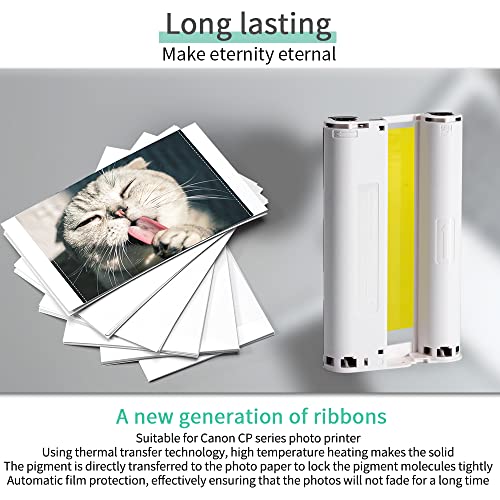
- 【Package Included】: Canon Selphy Ink and Paper 4x6 glossy photo paper high quality, postcard size. Includes 108 sheets of 4 inch x 6 inch photo paper (approximately) and 3 ink cassettes. The paper prints have a Canon watermark on the reverse side.
- 【Compatible with Canon Selphy Paper CP series】 Compatible with Canon KP-108IN Selphy CP series: CP100 / CP200 / CP300 / CP400 / CP500 / CP600 / CP700 / CP720 / CP730 / CP740 / CP760 / CP770 / CP780 / CP790 / CP800 / CP810 / CP820 / CP900 / CP910 / CP1000 / CP1200 / CP1300 Wireless Compact Photo Printer
- 【Wireless and Mobile Printing】Using wifi to connect mobile device, directly with Apple’s AirPrint, PicBridge. Connecting computer USB port, directly with Canon PRINT, and Canon’s Selphy app. Everyone can print from the same little printer.
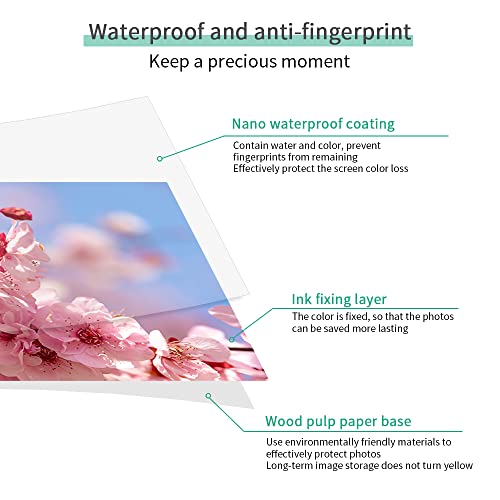
- 【With dye sublimation print technology】Compatible KP-108IN Canon Selphy CP1200 Ink and Paper can keep instantly dry, Smudge free and water resistant. Glossy photo paper, smooth surface for professional printing.
- 【Warm Reminder】In order to use Canon Selphy CP1300 Paper and Ink effectively, You can Install the ribbon after turning on the printer, and then removing it when you finished the printing, it can effectively avoid waste of ribbon!
| SELLER | SELLER SCORE | AMAZON FULFILLED | PRIME | FREE SHIPPING |
|---|---|---|---|---|
| Suminey-us | 7.51 | Yes | Yes | Yes |
Most people settle for grainy, fading snapshots when they print from their phones, but this Suminey ink and paper bundle brings professional dye-sublimation quality to your home setup. I tested these 4x6 glossy sheets with my wireless compact printer, and the results were instantly dry and completely smudge-free. The kit is incredibly comprehensive, providing 108 sheets of postcard-sized paper and three color ink cassettes that work seamlessly with the CP1300 and various older models. Because it uses dye-sublimation technology, the prints have a smooth, water-resistant finish that feels much more substantial than standard inkjet paper. Pro tip: to prevent wasting your ribbon, install it only after you've powered the printer on, then remove it once your session is complete.