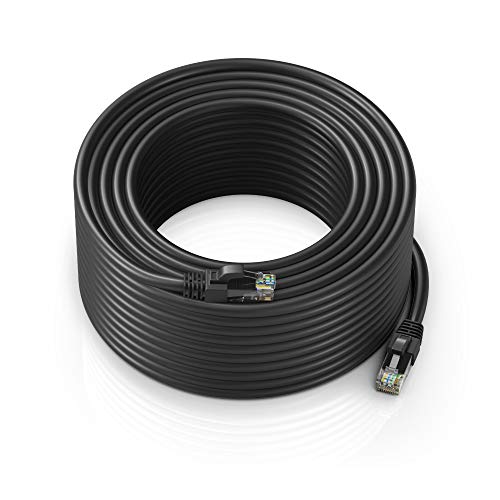
Understanding Category Ratings (Cat5e vs. Cat6 vs. Cat6a)
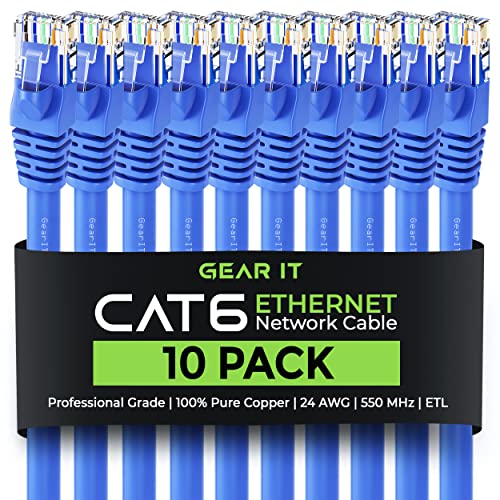
The most important decision you will make is selecting the correct 'Category' or 'Cat' rating. This rating determines the bandwidth and speed capabilities of the cable. If you are setting up a basic home office for web browsing and streaming, Cat5e is often sufficient, as it supports speeds up to 1 Gbps. However, for modern homes equipped with high-speed fiber internet or gaming setups, Cat6 is the gold standard. Cat6 cables are designed to reduce crosstalk and support higher frequencies, making them more reliable for data-heavy tasks. If you are wiring a professional server rack or a future-proofed smart home, look toward Cat6a, which offers even higher bandwidth and better shielding against electromagnetic interference.
Shielding: UTP vs. STP
Another technical nuance involves how the internal copper wires are protected. Most standard patch cables are Unshielded Twisted Pair (UTP). These are perfectly fine for residential use where cables are run through walls or under desks away from heavy machinery. However, if you are running cables near power lines, large appliances, or in an industrial environment, you should look for Shielded Twisted Pair (STP) or Foiled Twisted Pair (FTP) options. Shielding adds a layer of protection that prevents external electrical noise from corrupting your data packets, which is vital for maintaining consistent latency in online gaming or high-definition video streaming.
Cable Construction and Flexibility
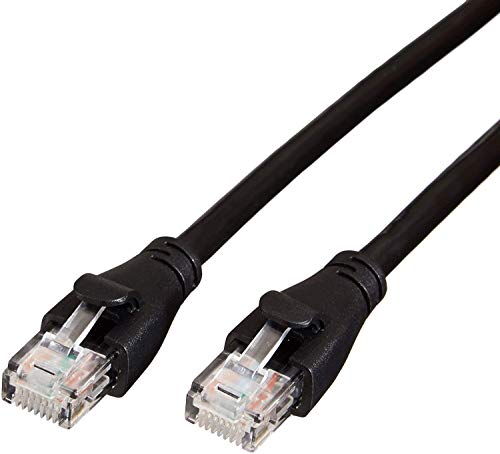
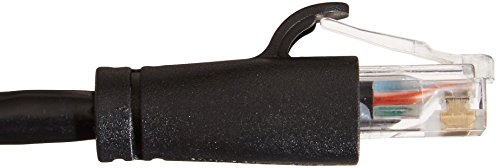
Not all cables are built with the same physical durability. When choosing a patch cable, consider where it will live. If you need to route a cable through tight corners or behind a crowded media console, look for 'slim' or 'thin' patch cables. These use smaller gauge wires that offer much higher flexibility without sacrificing much performance. Conversely, if the cable will be stepped on or pulled frequently, a thicker, more ruggedized jacket is preferable. Pay attention to the connector quality as well. Gold-plated contacts are a significant advantage, as they resist corrosion over time and ensure a more stable physical connection with your hardware ports.
Length and Signal Degradation
While it is tempting to buy the longest cable possible to avoid clutter, remember that longer cables can theoretically introduce more signal attenuation. For patch cables—which are typically used to connect devices over short distances—this is rarely an issue. However, you should still aim for the shortest length that comfortably reaches your destination. Excessively long loops of coiled cable can occasionally create small amounts of interference in high-frequency environments. Always measure your distance and add about six inches of 'slack' to ensure the cable isn't under tension, which can damage the internal copper strands over time.
Summary of Recommendation Logic
To make your final selection, follow this hierarchy: First, identify your required speed (1 Gbps vs 10 Gbps) to choose your Cat rating. Second, assess your environment to decide if you need shielding (STP) to fight interference. Third, choose your physical form factor based on whether you need flexibility (slim cables) or durability (standard rugged cables). By following this logic, you ensure that your network infrastructure is as robust as the devices it connects.